Chapter 01
Meet Python and Set Up Your Studio
Set up the editor, write, run and save a first Python program.
Your child learns Python by making art. In 13 live online sessions they write code that draws spirographs, a Kenyan flag, kanga-inspired tiles, mandalas and a fractal tree, and then build a drawing app of their own that listens to the mouse and can undo. Along the way they learn loops, variables, functions, lists and how to find and fix a bug, and they finish with a Demo Day for family. No coding experience needed. Python and its drawing tool are free and nothing extra needs to be installed once Python is set up in the first session.

No experience at all
Follow the course from the first idea to the finished project.
Set up the editor, write, run and save a first Python program.
Move the turtle, then fill shapes with colour and layer them into a first picture.
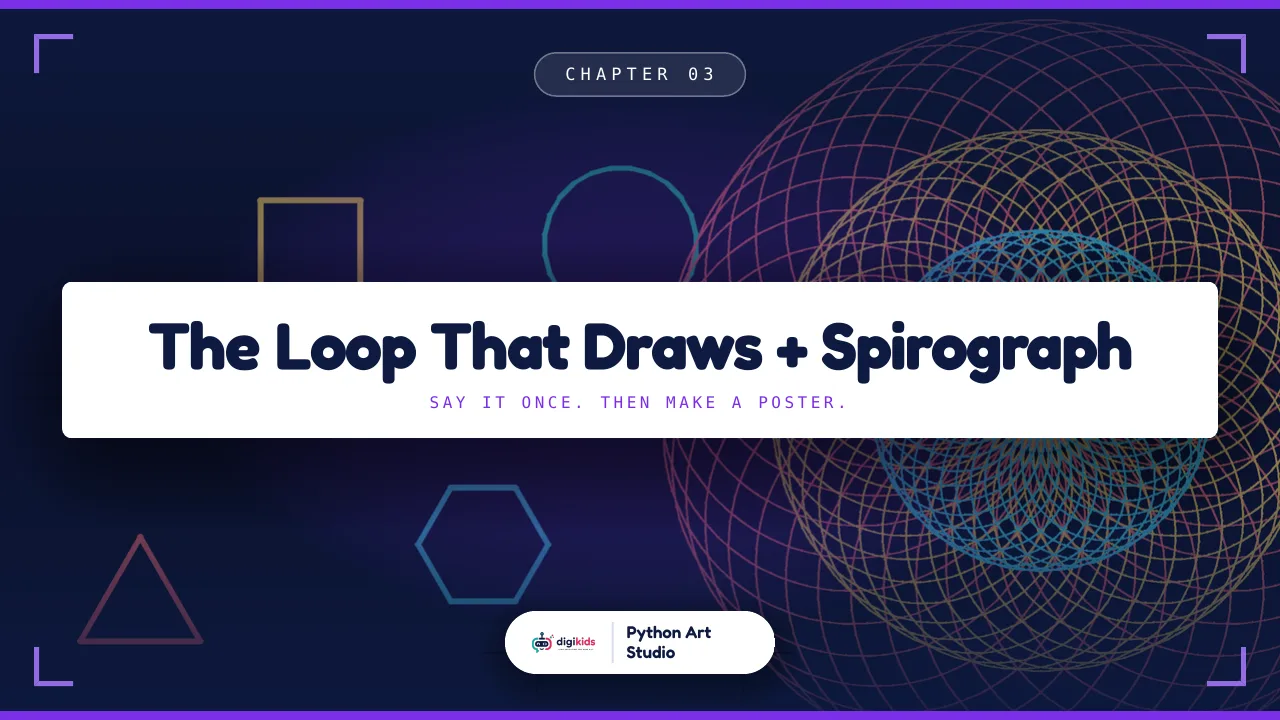
Use a loop to draw polygons, then a loop that rotates a whole shape into a poster-quality spirograph.
Create an account or log in to see all 13 chapters.